
Education Digital OnePass: Signup Guide and Tips
Education Digital OnePass lets students, parents, and school staff access Korea's major education platforms - NEIS, EduNet, EBS Online Class, and more - with a single secure account.
As online education services have become part of daily life, students, teachers, and parents now use multiple education platforms at once. But having to remember a separate ID and password for each platform is something we’ve all run into.
To solve this, the Ministry of Education and the Korea Education and Research Information Service (KERIS) built an integrated authentication system called Education Digital OnePass. Today, I’ll walk through what Education Digital OnePass is, the signup process and useful tips, and the main services you can access from the student portal.
Why Do You Need Education Digital OnePass?
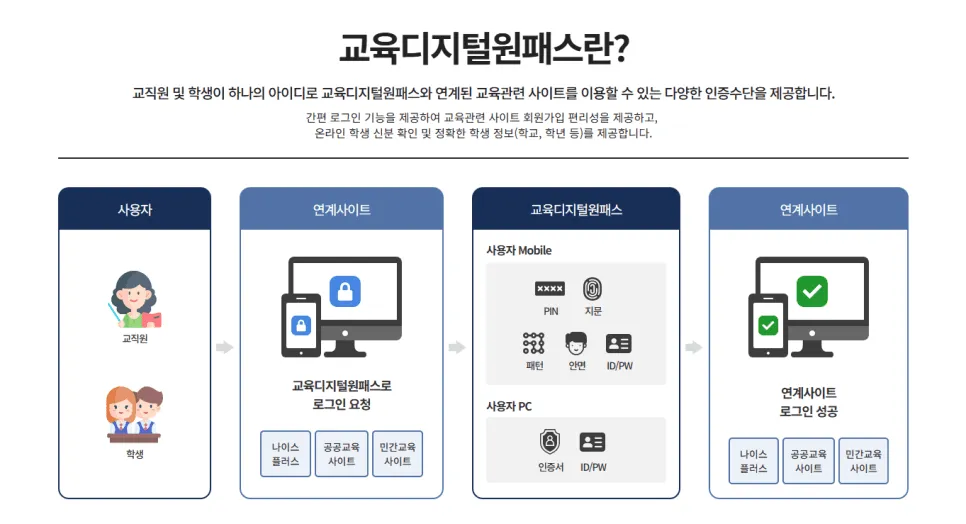
Education Digital OnePass is an integrated authentication service that lets you securely use multiple education platforms with a single account. You can log in to major sites - NEIS, EduNet, Digital Textbook, EBS Online Class, Wedorang, Korea Student Aid Foundation, CareerNet, and more - using one ID.
No more wondering, “What was my password for this site again?” On top of that, identity verification supports mobile phone authentication, joint certificates, and biometrics, strengthening security. It’s a service that students, parents, and school staff all need.
How to Sign Up for Education Digital OnePass
Here are the steps, laid out so that even first-time users can follow along easily.
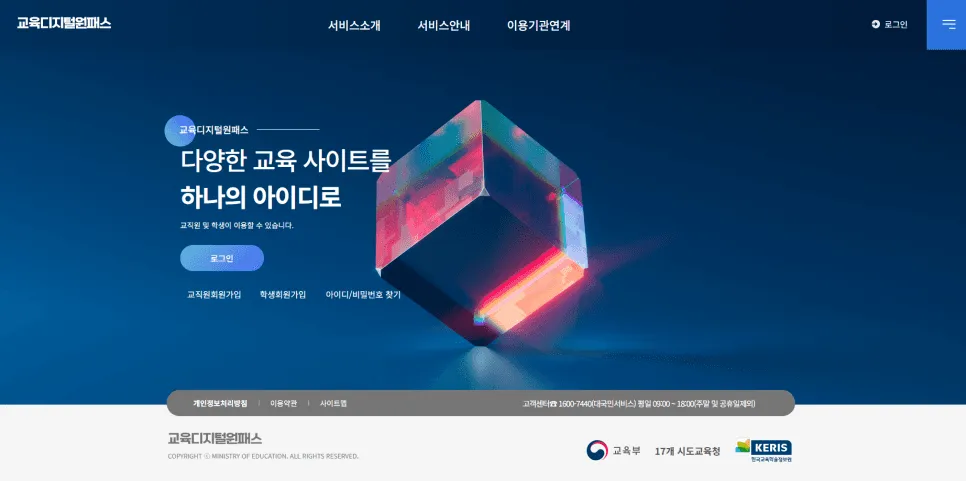
1️⃣ Go to the official website Visit the Education Digital OnePass homepage.
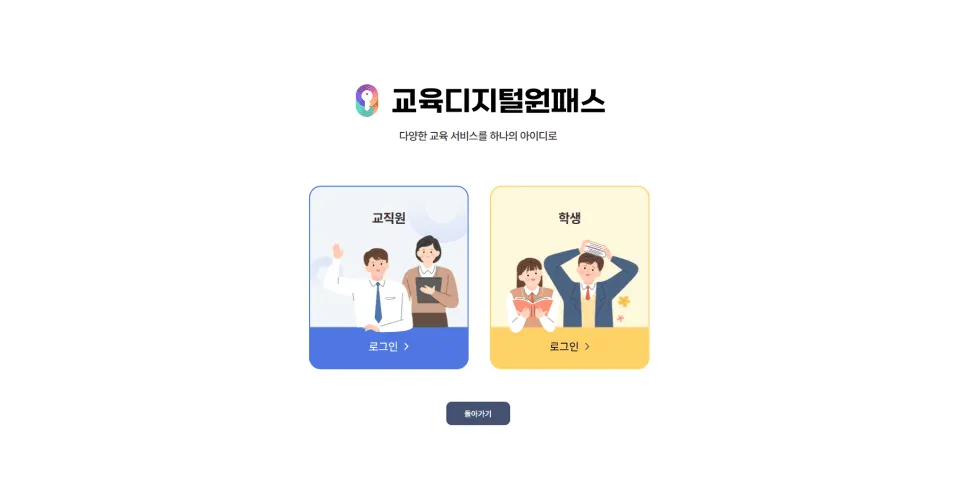
2️⃣ Click the signup button Select “Sign Up” from the top menu, then choose your user type - student, school staff, or parent.
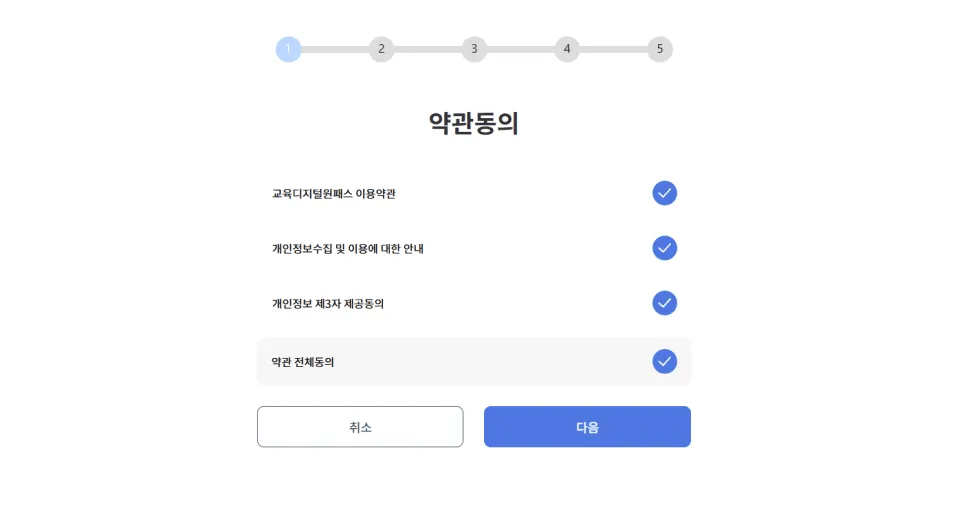
3️⃣ Agree to the terms of service Review the service terms and agree.
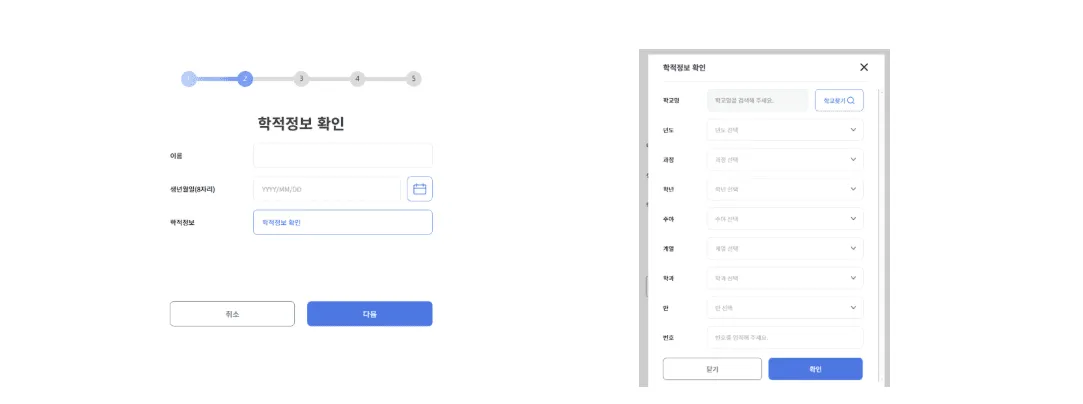
4️⃣ Enter academic and personal information
-
Students: school, grade, class, and student number
-
Staff: affiliated school, position, and staff number
-
Parents: child information and guardian verification required
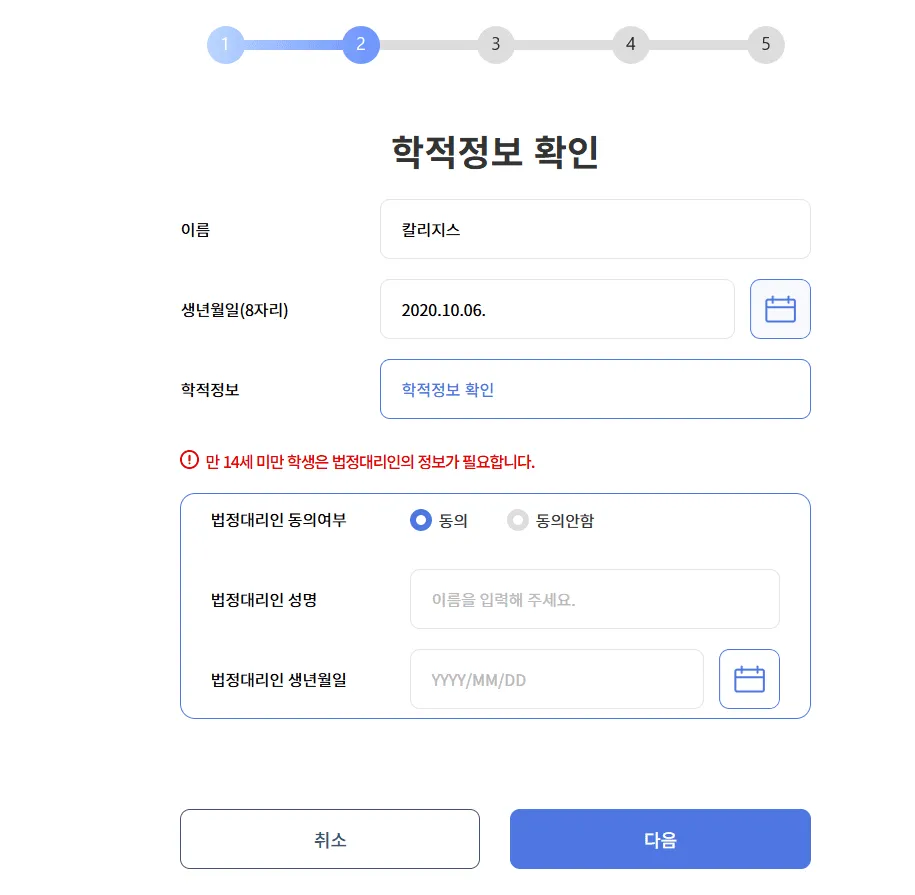
5️⃣ Enter legal guardian information (under 14) Students under 14 must additionally enter a parent’s name and date of birth.
6️⃣ Set ID and password Your ID is required to log in, so be sure to record it. Use a mix of uppercase, lowercase, numbers, and special characters for a secure password.
Key Services Available from the Student Portal
Once you finish signup, you can access multiple education platforms through the student portal in an integrated way.
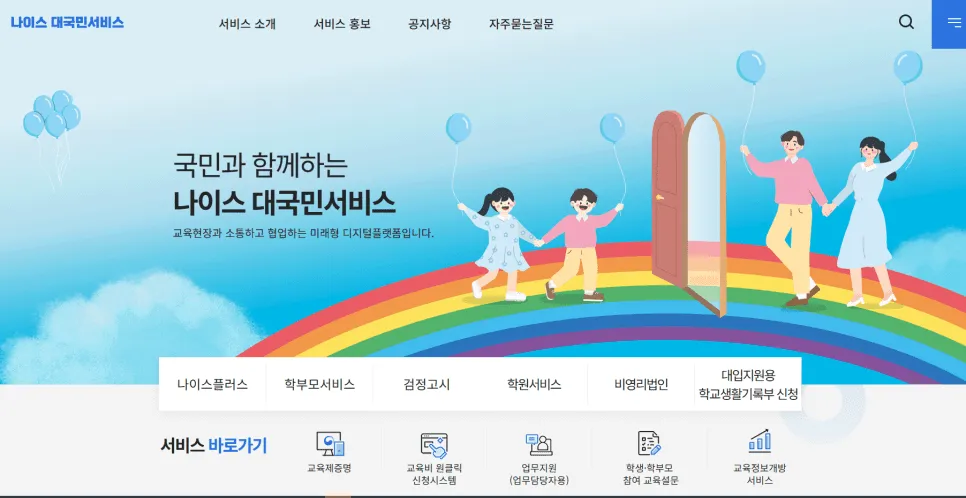
- NEIS → Student records, attendance, and grades
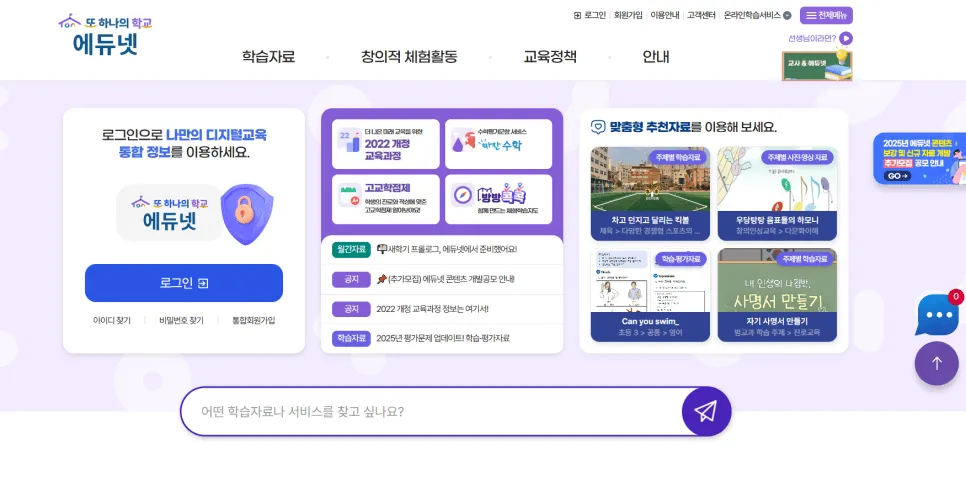
- EduNet → Teaching and learning materials, educational content
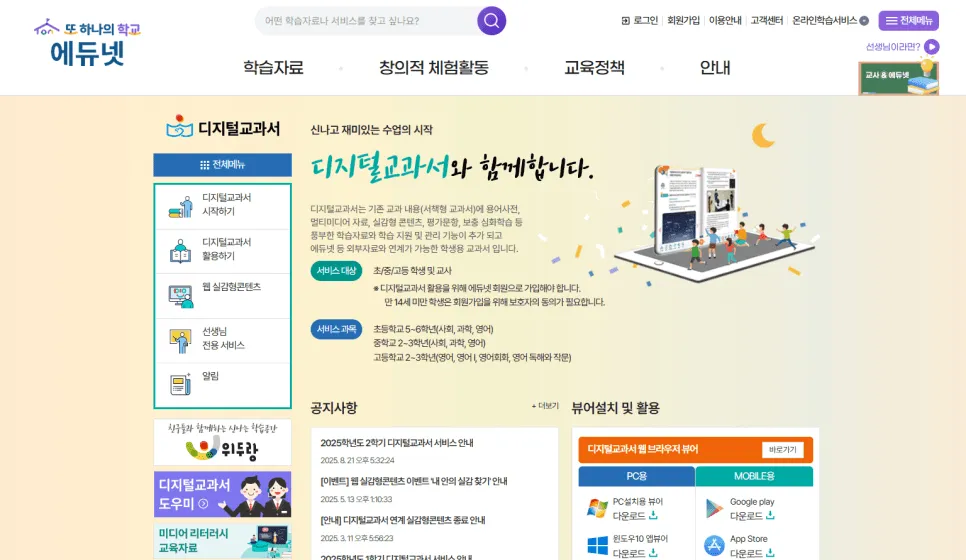
- Digital Textbook → View and download e-textbooks
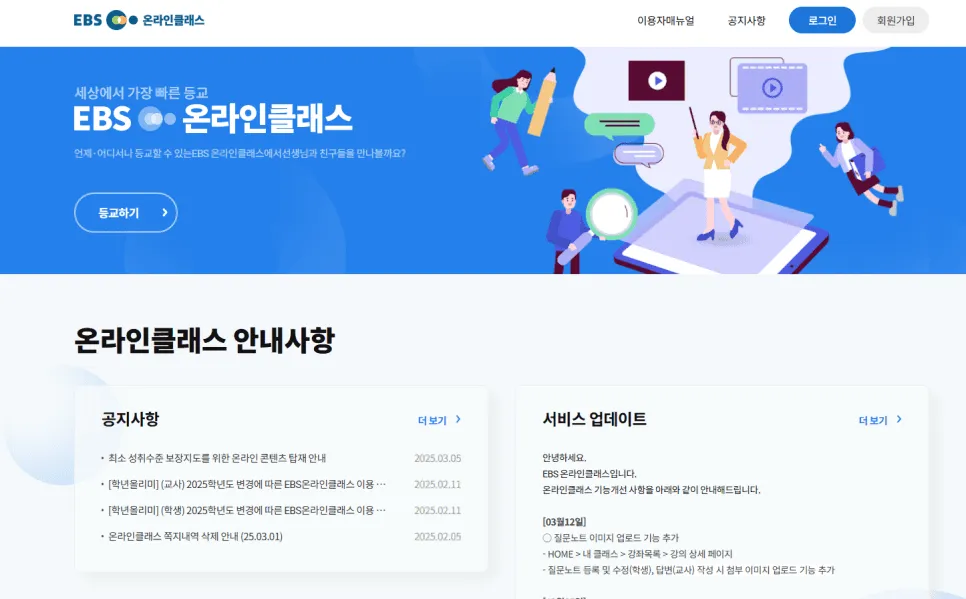
- EBS Online Class → Live classes, assignment submission, learning materials
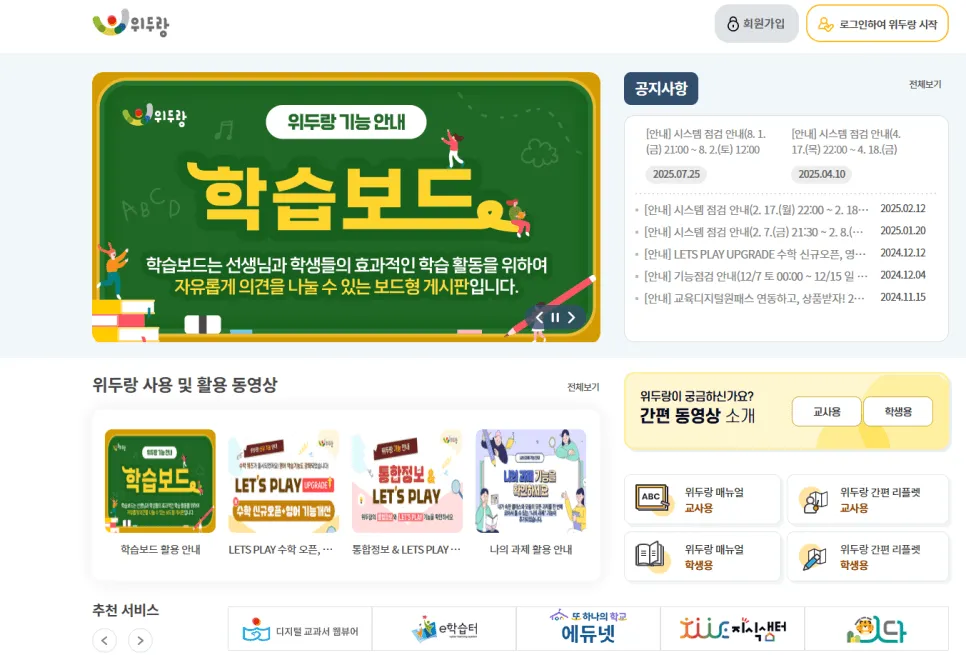
- Wedorang → Class community, discussion, and collaborative learning
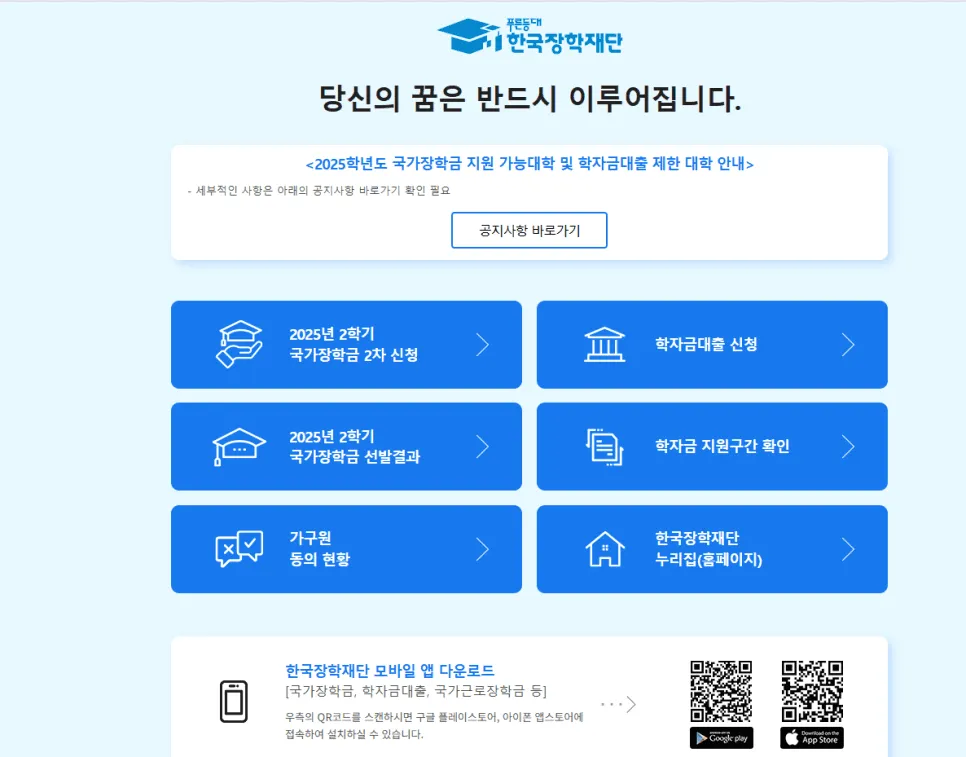
- Korea Student Aid Foundation → Scholarship applications and student loans
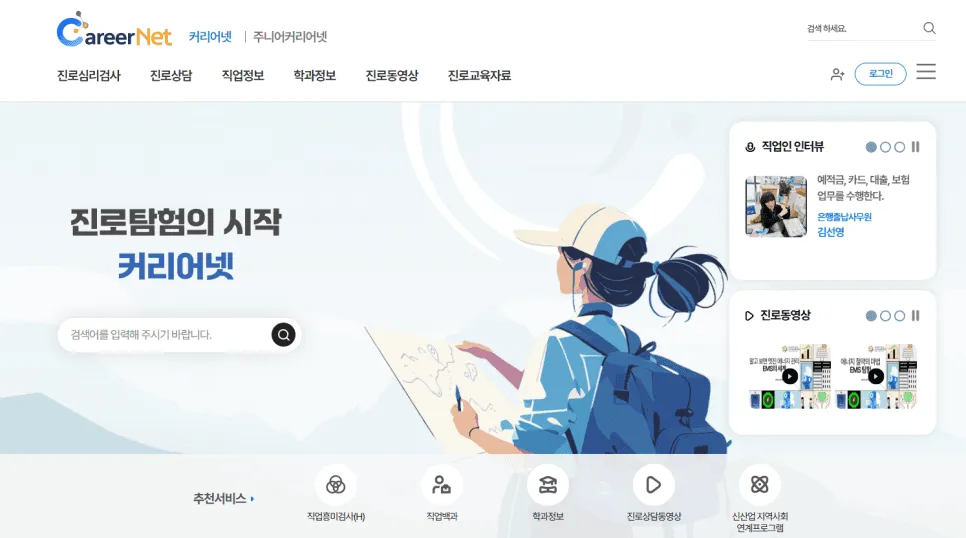
- CareerNet → Career exploration and job information
If you forget your ID or password, you can easily recover them via “Find ID” or “Reset Password” on the homepage.
From Stronger Security to Better Learning Efficiency - Education Digital OnePass
Signing up for Education Digital OnePass is not just a convenient login tool. It’s a necessary step that delivers both stronger security and better learning efficiency.
The biggest advantage is being able to enjoy all of this through a single account.
Smart Education with Kolleges
In this evolving education environment, Kolleges provides customized education website building tools so that institutions and learners alike can use them with ease. Our role is to go beyond simply delivering information and efficiently connect learning management with performance certification.
With Kolleges, using education services becomes easier and more organized. 🚀
Frequently asked questions
Want to turn learning outcomes into verifiable assets?
From issuing to verifying and amplifying, see it for yourself with Kolleges.
Request a Kolleges demoRelated posts
What Is K-MOOC's Lifelong Free Lecture Service? A Guide to Starting Online Learning Today
K-MOOC is Korea's state-run open course platform offering free university lectures to lifelong learners, with select courses eligible for official academic credit.
The Pros and Cons of Online Education, and an Introduction to an Online Education Platform
Online education breaks barriers of time and place, yet success hinges on learner self-direction and a reliable technical environment - Kolleges automates the platform so operators can focus on teaching.

The Credit Bank System: A Complete Guide for Working Professionals
The Credit Bank System lets working professionals earn a Korean bachelor's degree in as little as 1-2 years through online courses, certification credits, and transfer credits - at up to 90% less than university tuition.