
Beyond issuance - toward impact
Every insight on verifying and amplifying learning outcomes - the Kolleges blog.

Featured
Inviting Members and Managing Roles
On the Members tab of the Workspace menu, invite colleagues by email and check or adjust how far each role can reach.
Admin FAQ
Frequently asked questions from admins, from workspace setup through issuance and plans. For detailed procedures, see the guide linked from each answer.
Creating an API Client
Create an API client in the Developer menu by setting a name and permissions, and your institution's systems can issue and query certificates through the Kolleges API. The secret is shown only once right after creation, so save it immediately.
Latest

Kolleges 2.0 - Digital Badge Issuance, from Preparation to Performance Data on One Screen
We redesigned the five points managers were repeating every cohort. Here is what changed in 2.0 and the order issuance work runs in on the new screens.
Inviting Members and Managing Roles
On the Members tab of the Workspace menu, invite colleagues by email and check or adjust how far each role can reach.
Admin FAQ
Frequently asked questions from admins, from workspace setup through issuance and plans. For detailed procedures, see the guide linked from each answer.
Creating an API Client
Create an API client in the Developer menu by setting a name and permissions, and your institution's systems can issue and query certificates through the Kolleges API. The secret is shown only once right after creation, so save it immediately.
Creating a Badge Design
Pick a template in the Design menu, set the color and icon, then save to complete your badge design. On what you actually issue, the issuer symbol is placed in the center automatically.
Creating a Board and Linking It to the Menu
Create a board on the Boards tab of your institution page, then link it on the Menu tab and it appears on the public page.
Listing Certificates in the Catalog
Creating a certificate registers it in your institution page catalog automatically. You only toggle its visibility and the application path.
Creating a Certificate
Press Create certificate in the Certificates menu and fill in the basic information and advanced settings, and it is ready to issue. There is also a feature where AI drafts it for you from course information alone.
Creating a Certificate Design
Pick a template in the Design menu, set the color and institution brand, then save to complete your PDF certificate design. Logos and seals are placed automatically once registered in your issuer settings.
Issuing Badges and Certificates
Press Issue in the certificate list and fill in recipients, common information, per-recipient information, and issuance options in order to complete issuance. One person or hundreds are handled on the same screen.
Adding a Co-Issuer
From Add issuer on the issuer screen, choose one of three methods to register another institution as a co-issuer.
Taking a Tour of the First Screen
When you first create a workspace, a five-step getting-started guide appears on the dashboard. Following it in order takes you from issuer verification through your first issuance to opening your institution page, all in one pass.
Styling Your Institution Page
On the Site settings tab of your institution page, manage search text, header style, brand color, logo, and even a custom domain, all from one screen.
Requesting Issuer Verification
Press Proceed with verification on the issuer screen, and once domain email authentication and institutional document submission are complete, your verification review is filed.
Checking Issuance Results
On the issuance status screen you can check delivery and validity together. Items with problems are automatically collected at the top of the screen.
Checking and Changing Your Plan
In the Plan and billing menu, check this year's issuance volume and move the slider to the annual volume you need, and the matching plans and prices are compared immediately.
Creating a Pathway
A feature for bundling several certificates into steps so that completing all of them issues a higher badge. Choose between automatic issuance and admin approval.
Setting Up Recommendations
A feature that automatically suggests the next program to recipients of a particular badge. You only choose the trigger badge and what to show.

Handling Non-Delivery and Reissuing
When an email bounces, an Issuance failed panel appears automatically at the top of issuance status. From there you can resend one at a time or all at once.
Canceling and Revoking Certificate Issuance
Mistakenly issued items can be revoked from issuance status. A revocation reason is required, and revocation is shown as a proper revocation rather than tampering.
Creating a Workspace (Institution)
Fill in the two steps under Create a new institution and your workspace is created, with the person who created it as the owner. A 30-day free Premium trial begins at the same time.
Deleting a Workspace
Deleting a workspace removes all members' access and hides the workspace. Already issued certificates and verification pages are preserved permanently.

Joining an Existing Workspace
Open the link in the invitation email sent by an admin and press Accept invitation to become a member of that workspace. You must be logged in with the account that was invited.

Editing Workspace Information
On the General tab of the Workspace menu, rename your institution or hand ownership to another member. Changing the address requires contacting customer support.

How to Evidence High School Credit System Competencies Beyond the School Record, with Digital Badges
In 2026, with credit completion criteria relaxed, this article sets out how to record the learning experiences the school record cannot hold as verifiable data, using practical criteria for schools and education offices.

Is the Degree Era Over? What 11 Million Job Postings Reveal About Skills-Based Hiring
The data confirms that hiring is looking at skills over degrees. We break down the shift to skills-based hiring through the numbers from Oxford's research, remarks at Davos 2026, and signals from Korea.
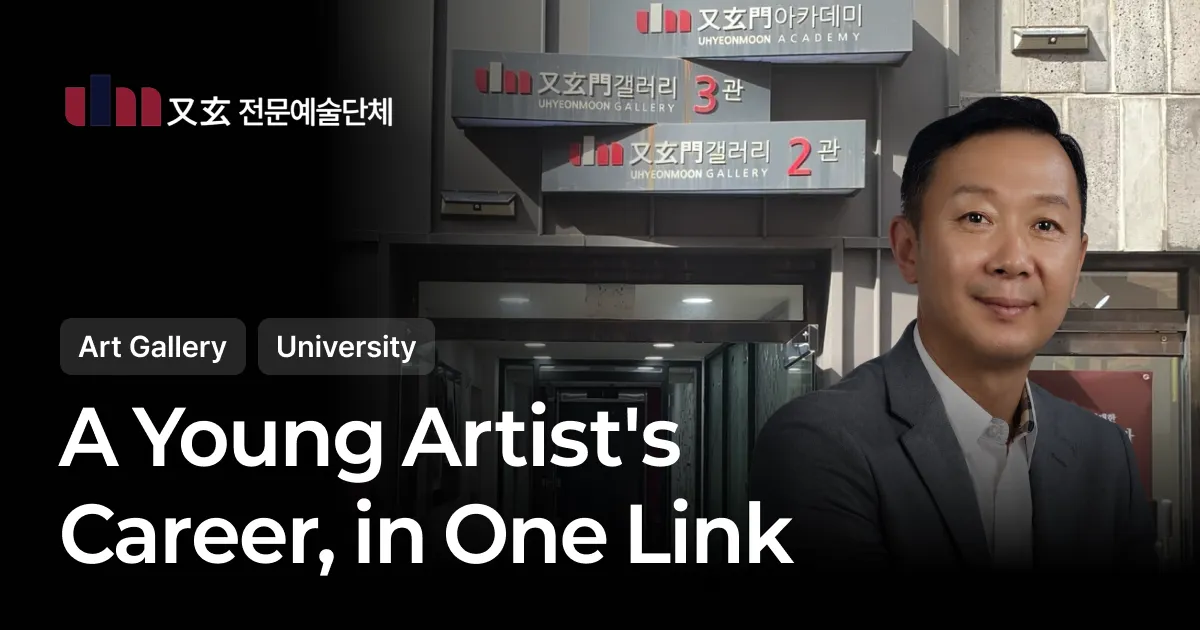
Uhyeonmoon Gallery | Exhibition Records Once Lost When a Space Closed Now Live On as Digital Badges
Fifty-one young artists selected on a professor's recommendation. The exhibition ends, but the credential remains. An interview with Kim Sun-hak, CEO of Uhyeonmoon Professional Arts Organization.

How to Write a RISE Performance Report: Building Quantitative Evidence from Badge Data
A 3-step method for building the quantitative evidence in a RISE performance report from digital badge data.

RISE Performance Metrics: 4 Steps to Prove Them with Metric-by-Metric Badge Mapping
The 4-step practice of mapping the 6 core RISE performance metrics to metric-specific badges, organized in comparison with qualitative reports.

2026 RISE·Anchor Performance Evaluation: 3 Steps to Prove University Outcomes with Data
As RISE becomes Anchor, budgets are divided by performance evaluation. Here is how to prove scattered university outcomes with the 3-tier digital badge structure and co-issuance, with cases.
Start with our most-read posts.
See whether it fits your institution - in 10 minutes
From issuing to verifying and amplifying, see it live in a Kolleges demo.
Request a demo