

The questions recipients ask most often, gathered in one place: what a digital badge is, whether it is secure, whether it expires. For the detailed steps, see the guide linked from each answer.
Key points The questions recipients ask most often, gathered in one place: what a digital badge is, whether it is secure, whether it expires. For the detailed steps, see the guide linked from each answer.
What is a digital badge?
It is an international-standard (Open Badges 3.0) certificate that proves achievements such as completing a course or taking part in an activity, in a form that cannot be forged or altered. It carries the issuer, the issue date, and the issuing criteria, and both the person who received it and the person checking it can verify its authenticity.
Are digital badges secure?
They are recorded with the W3C Verifiable Credentials standard, which cannot be tampered with after issuance. Authenticity is confirmed by the issuer’s digital signature, and any change to the content after issuance is exposed during verification. For how to check authenticity, see the Verifying the Authenticity of a Digital Badge guide.
Do badges expire or disappear?
A badge whose validity period is “permanent certification” stays effective over time and does not disappear from your wallet. If the issuer set a validity period, it is shown under ‘validity period’ on the detail page.
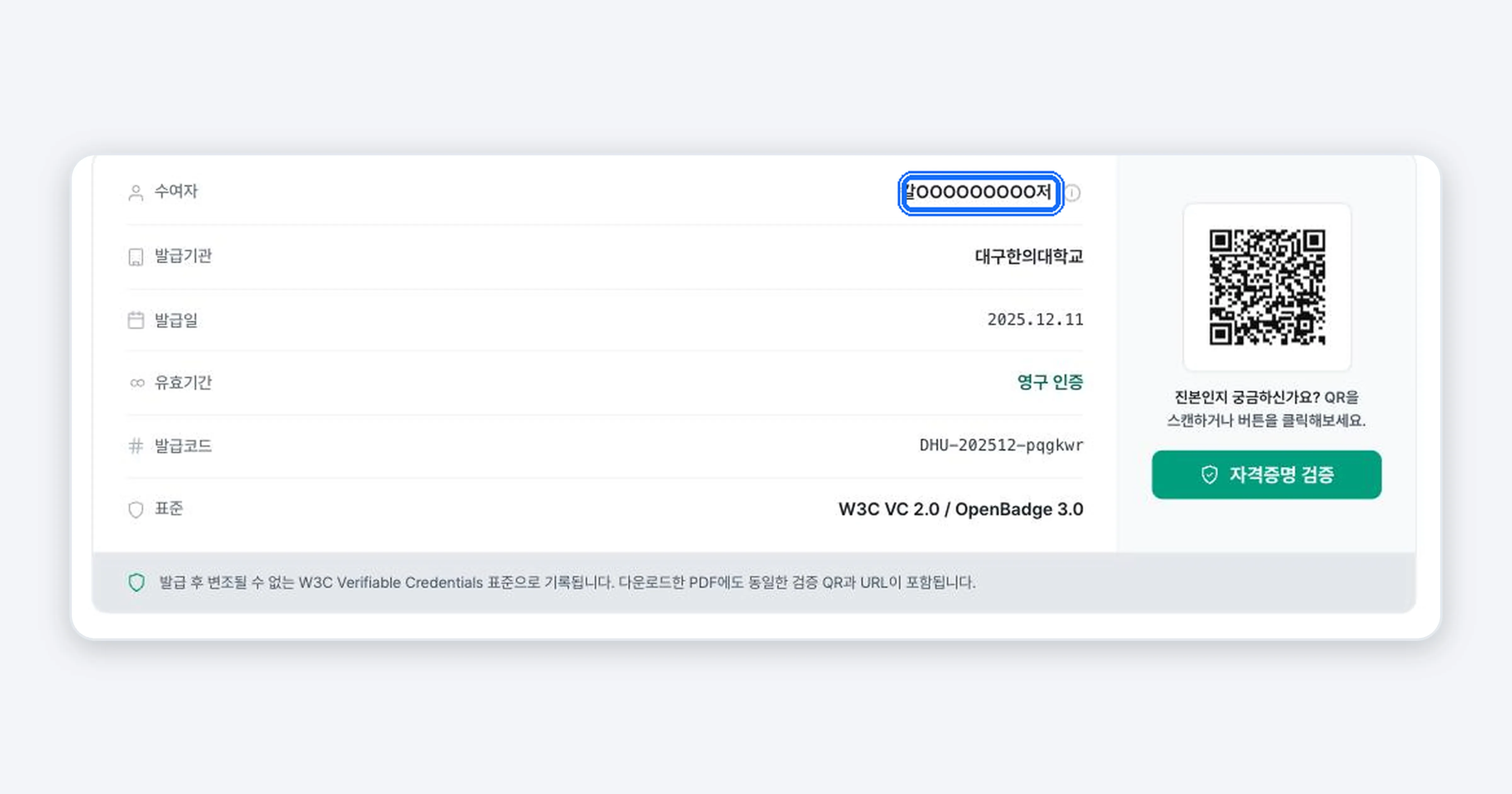
Why does my name appear masked?
Depending on the issuer’s policy, your name may be shown as a masked name on external screens. On the screen you see when signed in as yourself, it appears as your real name. You can check how it looks externally with [Preview third-party view] on the detail page.
How do I sign in?
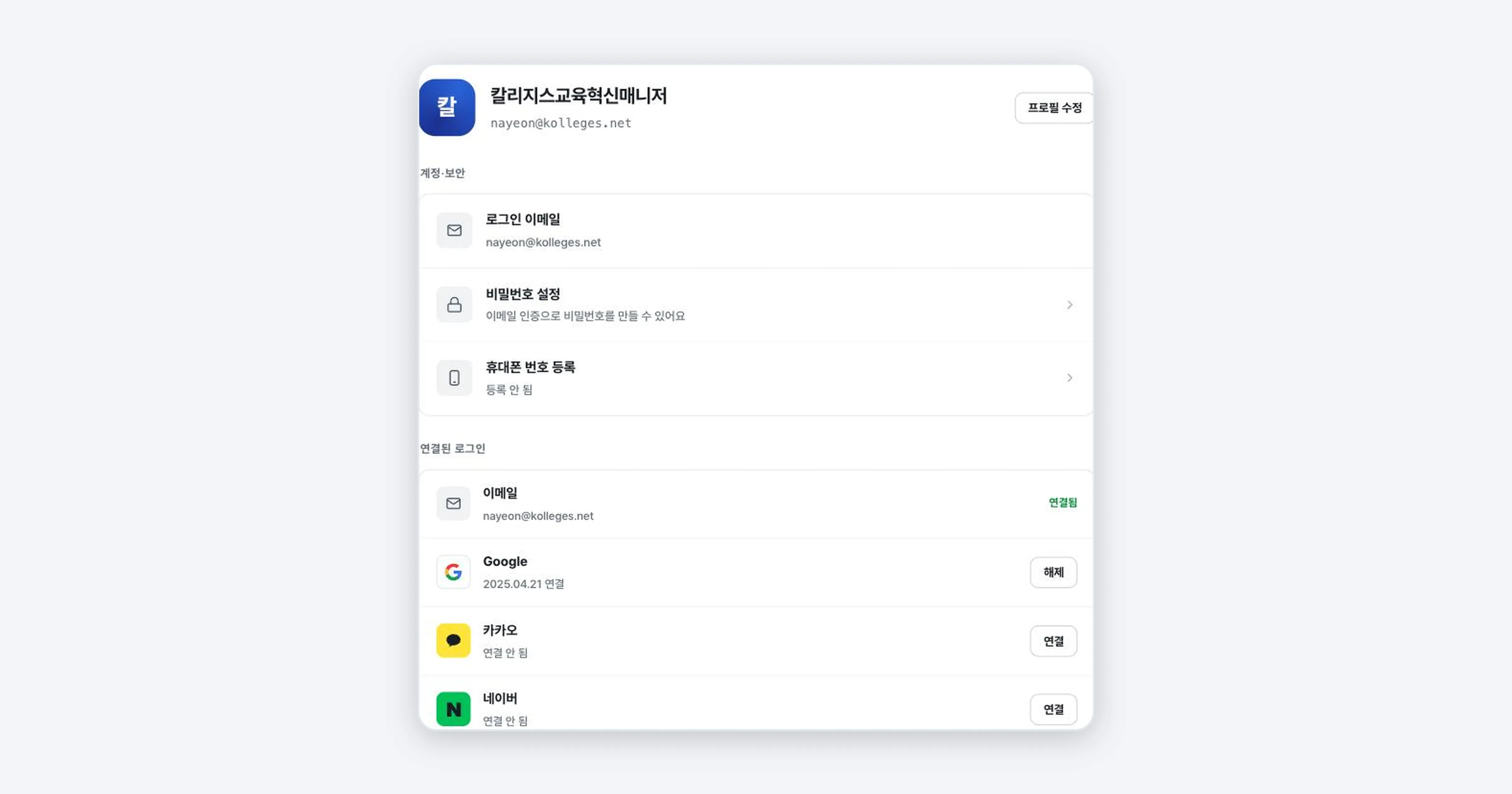
Email as well as Google, Kakao, and Naver social sign-in are supported. You can link several sign-in methods on the Account & security screen. To keep your account safe, we recommend linking two or more.
My badge information is wrong (misspelled name or affiliation)
Recipients cannot edit the detail information themselves. If you request a correction from the issuer, the issuer will fix the information and apply it again. For a corrected badge, the issued certificate and the verification page remain valid.
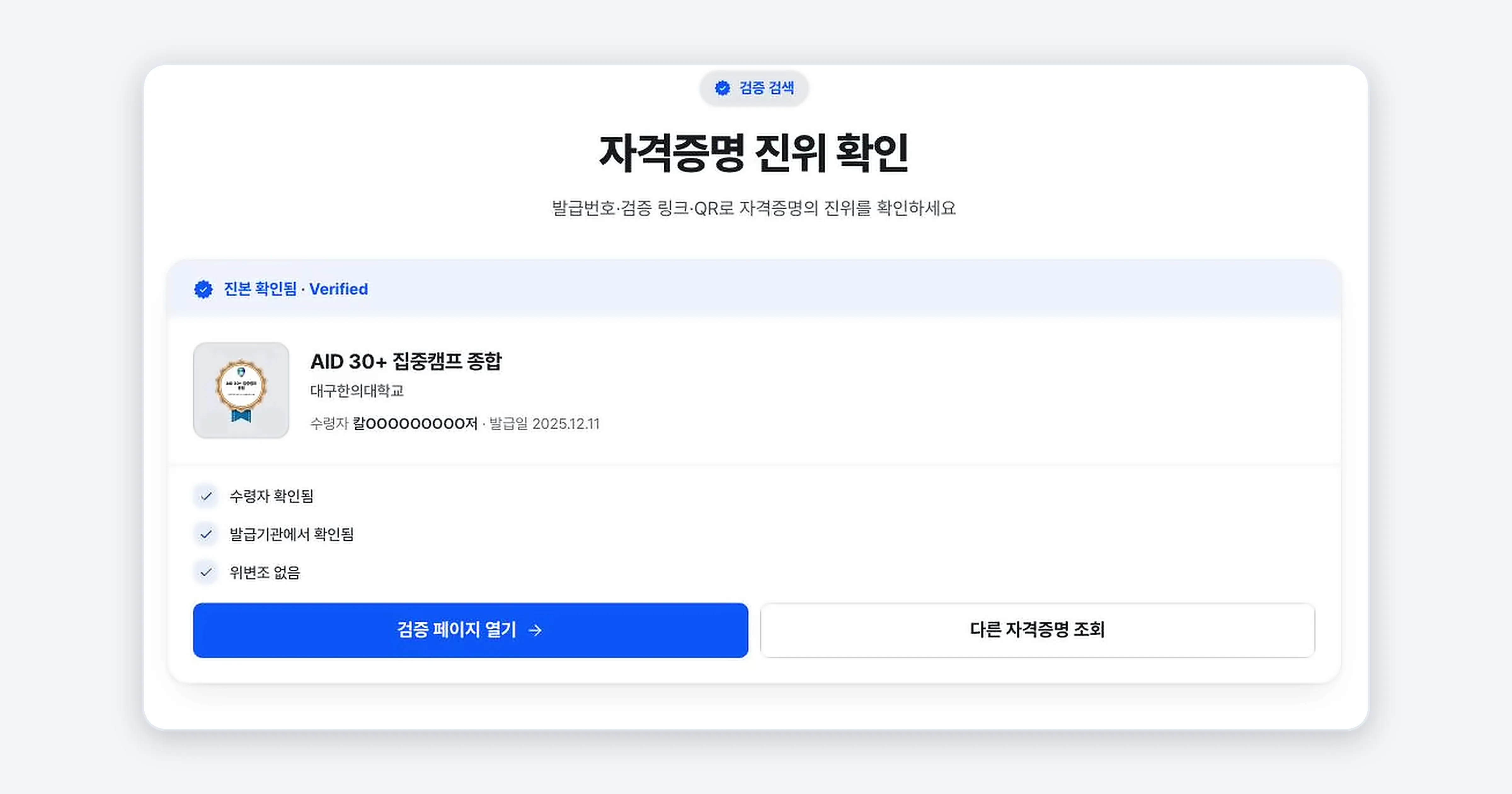
I want to check whether my badge is genuine
Press [Verify credential] on the detail page and authenticity is confirmed immediately, without the issuer’s server. It can also be looked up by issue code or QR.
Where do I send questions?
For questions about badge content (name, affiliation, issuing criteria), contact the institution that issued the badge directly. Technical questions about using the service go to Kolleges customer support (support@kolleges.net).
Related guides
- Receiving Your Digital Badge - How to receive a badge
- Verifying the Authenticity of a Digital Badge - Checking authenticity
- Creating a Public Profile and Setting Its Visibility - Visibility and personal information settings
Frequently asked questions
Want to turn learning outcomes into verifiable assets?
From issuing to verifying and amplifying, see it for yourself with Kolleges.
Request a Kolleges demo
Related posts
Receiving Your Digital Badge
Press [Receive] in the email or [View certificate] in the KakaoTalk notification message, then complete identity verification, and your digital badge is stored permanently in your wallet. It takes about a minute.
Verifying the Authenticity of a Digital Badge
Pressing [Verify credential] on the badge detail page instantly confirms authenticity without the issuer's server. With just an issue code, verification link, or QR code, third parties such as recruiters can verify it themselves at [Credential Lookup].

Creating a Public Profile and Setting Its Visibility
A public profile is a page that gathers multiple badges into a single link. In the settings you can choose the visibility (Public, Anyone with the link, Private), the profile address, per-badge visibility, and your display name.